

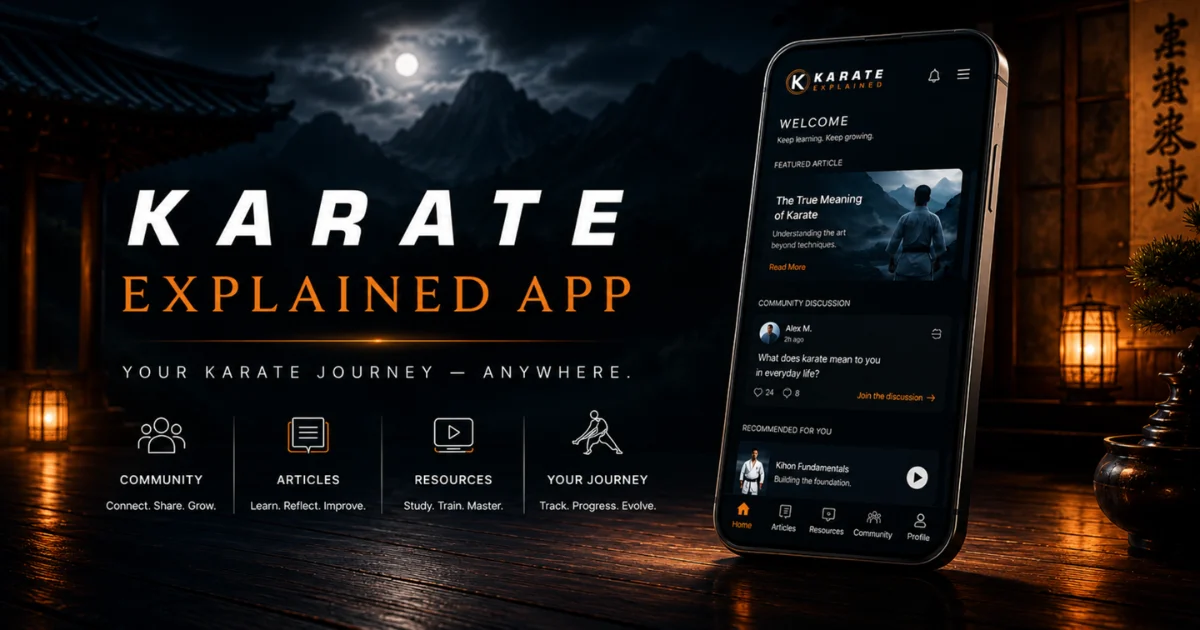
Access Karate Explained on the App
Continue your karate journey anywhere. The Karate Explained community can be accessed through the Fluent Community mobile app on Android and iOS.
Download the App
First, download the Fluent Community mobile app for your device. Once installed, you will connect the app to Karate Explained using the connection QR code in Step 2.
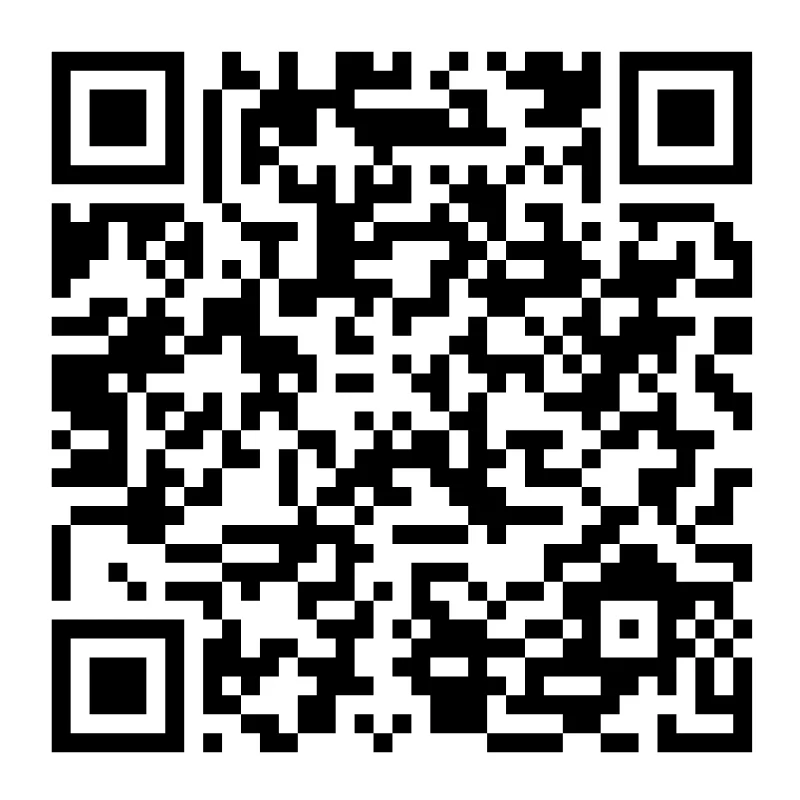
iPhone & iPad
Scan the QR code below to download the app from the App Store.
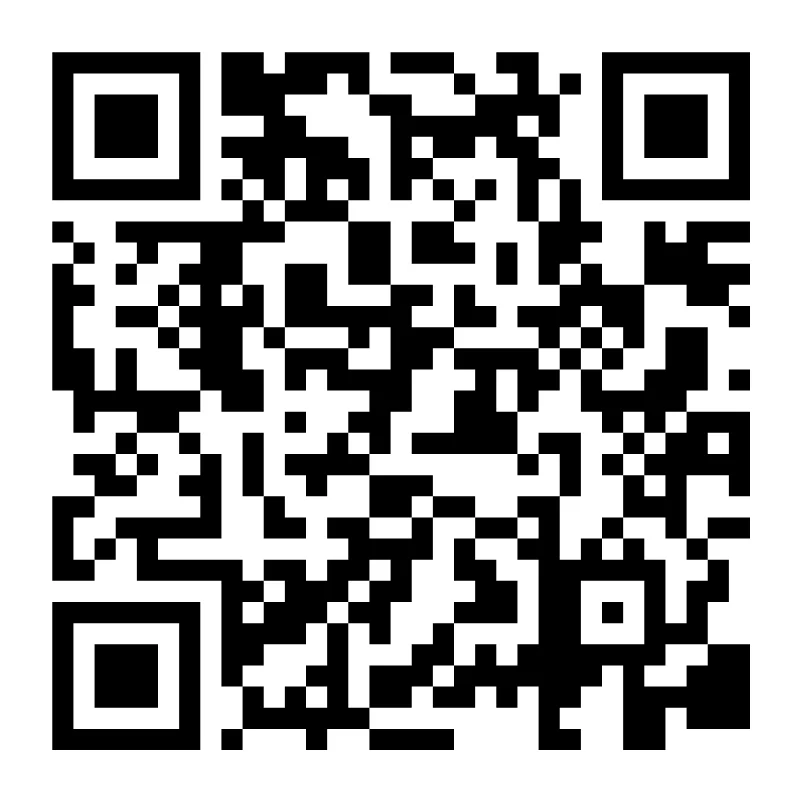 Download on the App Store
Connect the App to Karate Explained
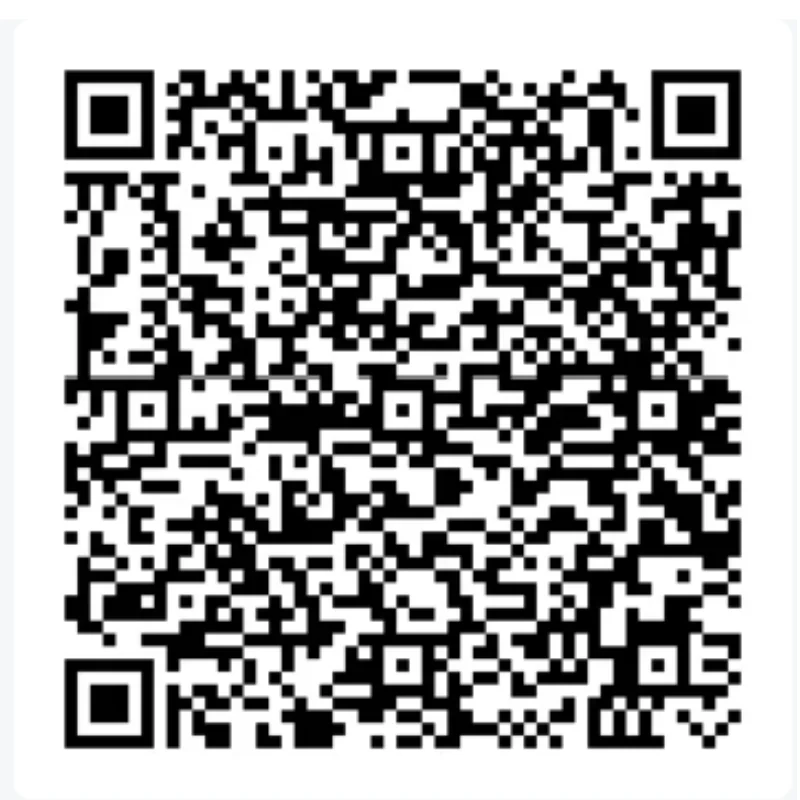
After installing the app, open it on your device and choose the option to scan a connection QR code. Then scan the Karate Explained connection code below.
Karate Explained Connection Code
Scan this QR code from inside the Fluent Community mobile app to connect directly to Karate Explained.
Stay Connected to Your Karate Journey
Once connected, the app gives you a simple way to stay engaged with Karate Explained from your phone or tablet.
Need Help?
If you have trouble installing the app or connecting to Karate Explained, please contact us and we’ll help you get started.
Contact Support